



Get Ready For The Team England National Sports Weekend at Moss Side Leisure Centre
Come and join us in partnership with Team England at Moss Side Leisure Centre for a weekend filled with free sports and fun family activities for everyone to enjoy.
Ready to unleash your sporting spirit? Members and non-member can jump in and experience the excitement of Commonwealth Games-inspired sports and activities. Book your spot in advance to enjoy a whole range of activities.
Whether you're trying something completely new or rediscovering a sport you love, there's plenty of fun waiting for all ages and abilities.
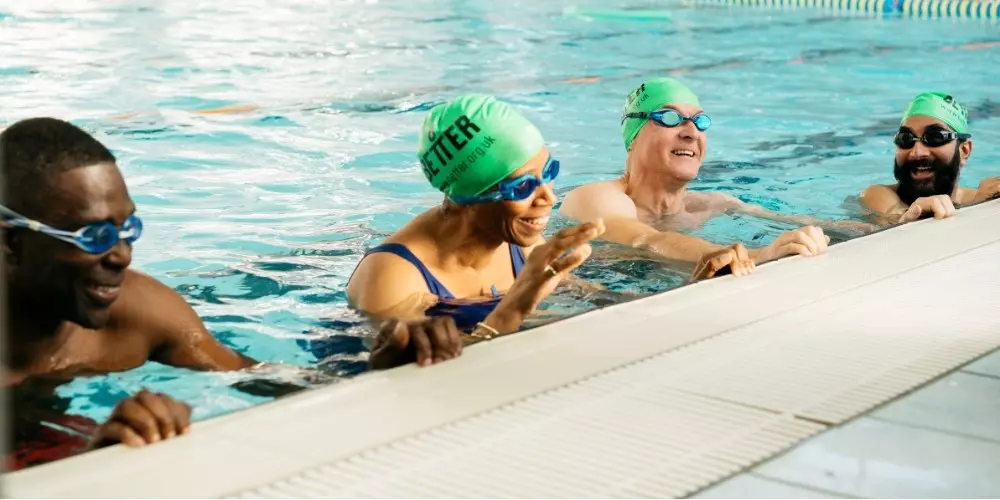
Open Day Swim for 60+ sessions available in our Small Pool– Whether you are looking for more of a social atmosphere, or looking to get yourself active, this is the session for any 60+ users!
Family Fun Swim Sessions for Families and Juniors – Bring the whole family for some splash-tastic fun!
Volleyball taster session with Moss Side Volleyball Club- Come down and try out a new sport! A qualified coach will be delivering a session to teach you the foundations of Volleyball!
How to book
If you already have an account, you can sign in and book activities.
If you're not a member with Better or do not have an account you'll need to sign up for a free account so that you can book any of the activities available during the open weekend.
Booking your open weekend activity online
Log in via our customer portal. Once logged on, follow these steps:
- Click the ‘Book Activity’ button.
- Select a local leisure centre by entering your postcode or choosing from the list.
- Choose the category 'Open Weekend'
- Scroll to 18th or 19th July and find an open weekend activity that interests you.
- Click ‘Book’ and confirm the booking.
You can also book activities through the Better UK app. After setting up your account:
- Tap the menu at the top-left and select ‘My Clubs.’
- Tap the plus button and choose a leisure centre.
- Choose the category 'Open Weekend'
- Scroll to 18th or 19th July and find an open weekend activity that interests you.
- Click ‘Book’ and follow the steps to confirm.